Fijá la hora de una parada y cuánto parás en ella
Vanu calcula la hora de cada parada con el tránsito del momento. Si una tiene que ser a una hora exacta, la fijás y el resto del recorrido se acomoda.
Lo básico
Abrí la parada
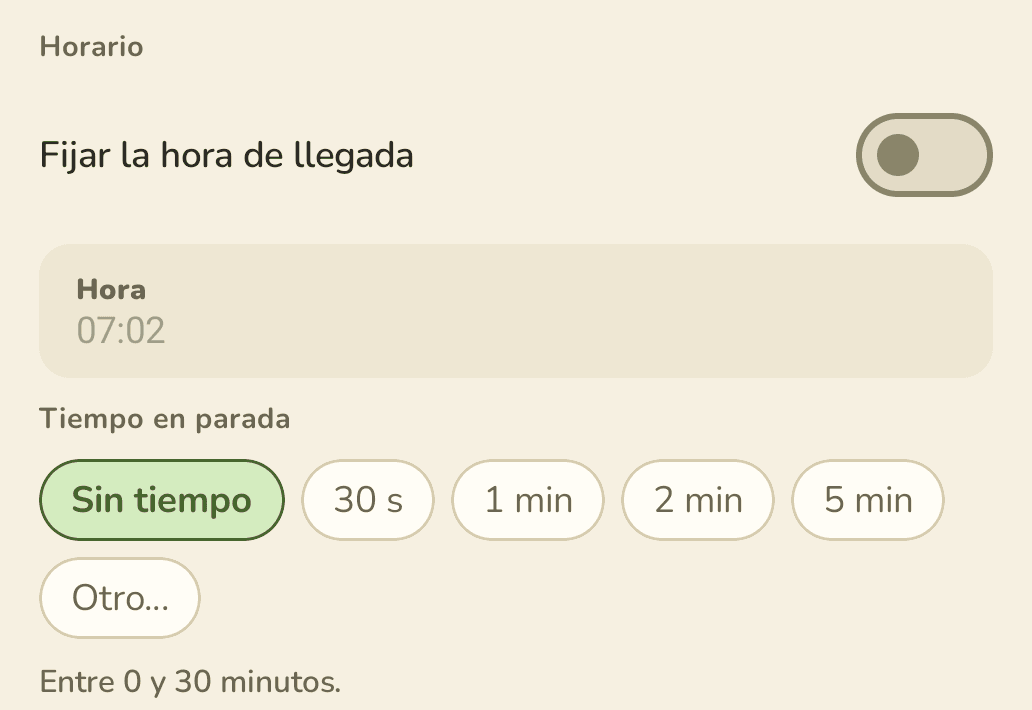
Fijá la hora
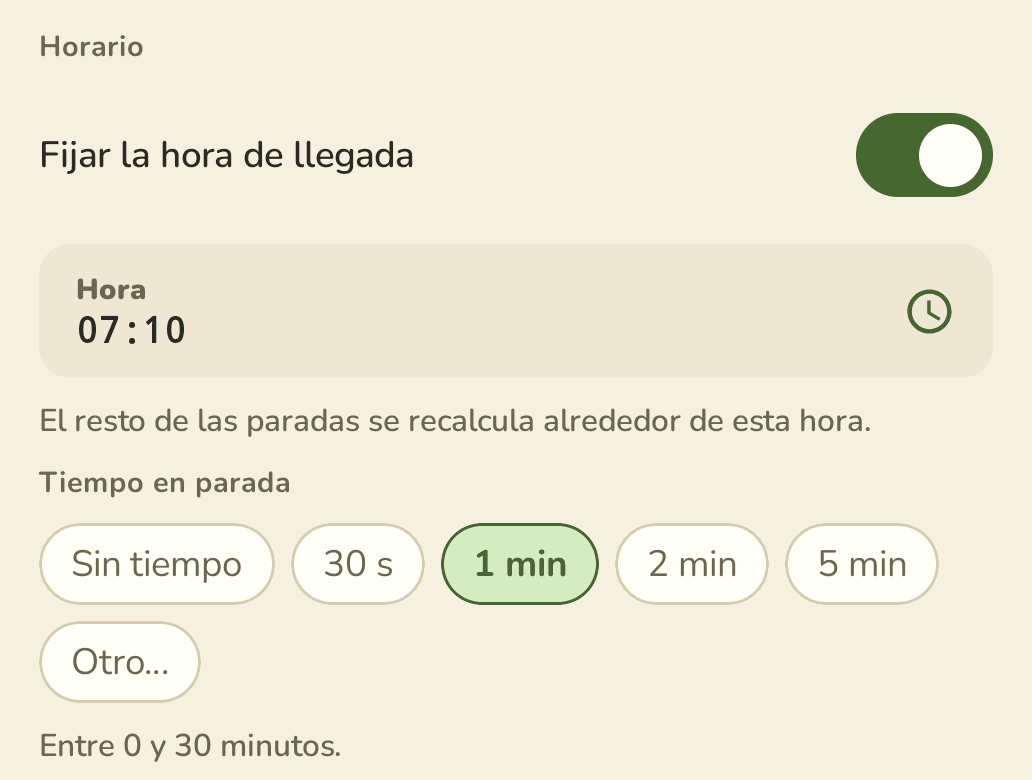
Mirá el recorrido
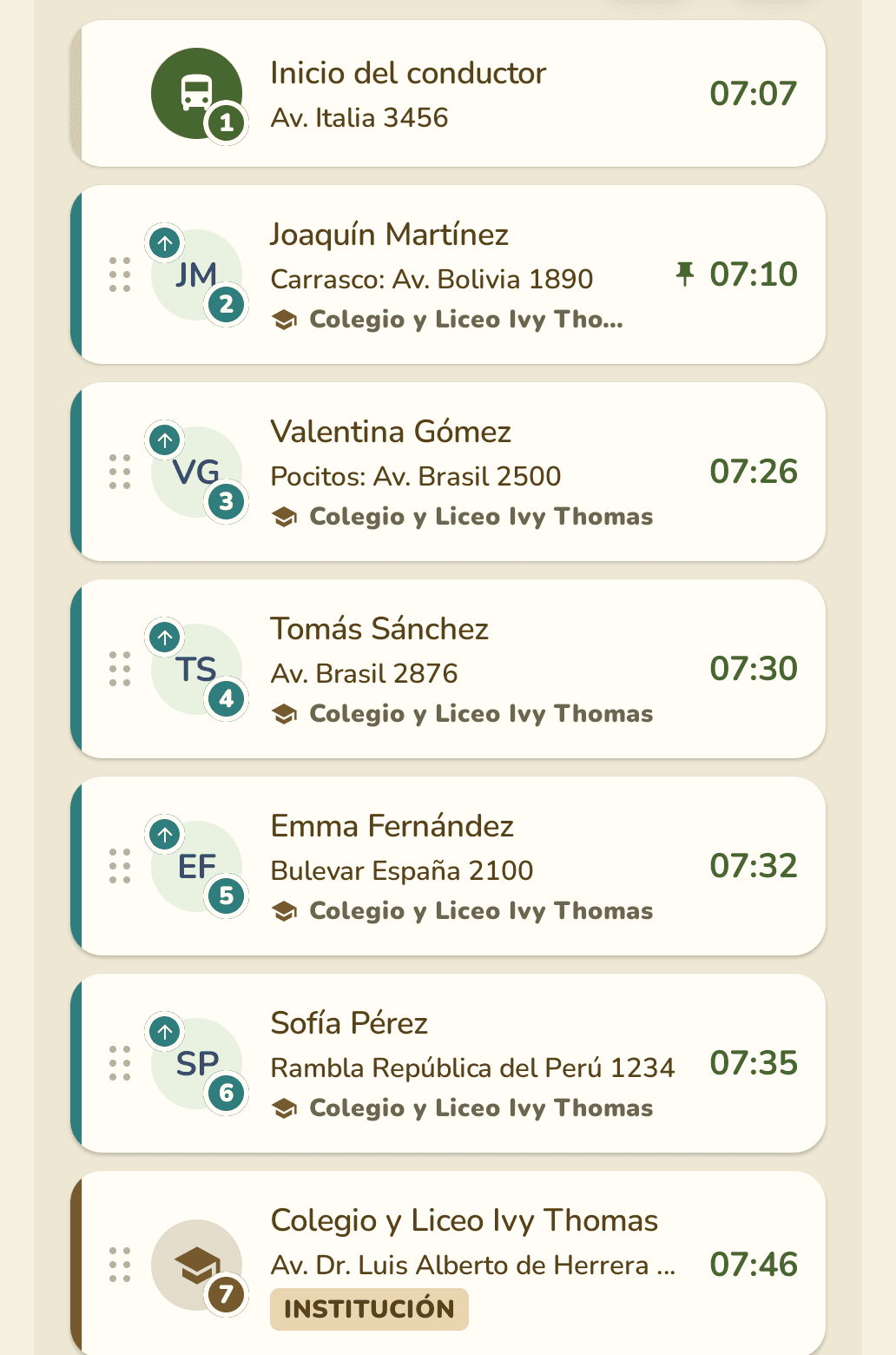
La primera parada es la salida. Fijarle la hora es decir a qué hora arrancás.
La salida se ajusta sola
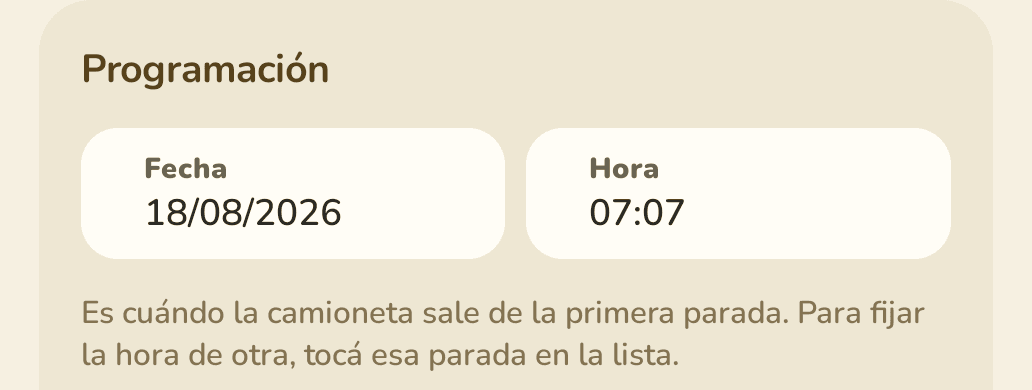
Cuando fijás más de una
Podés fijar varias paradas. Vanu calcula los tramos entre ellas y, si sobra tiempo, lo deja como espera en la parada anterior — no haciendo dar vueltas a la camioneta con pasajeros arriba.
Dos horas fijas
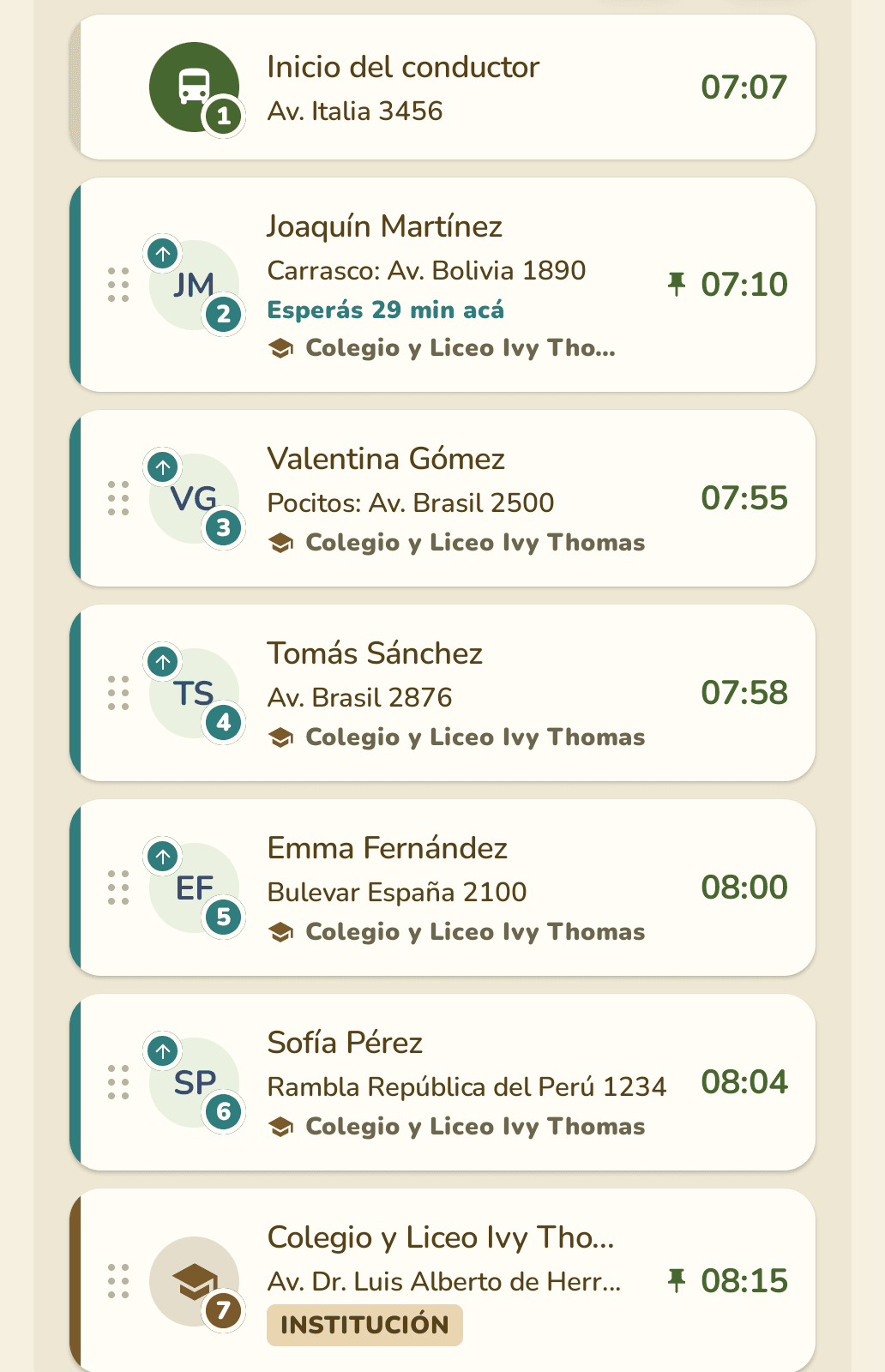
Si una hora fija no se puede cumplir, Vanu no la inventa: muestra la hora real de llegada y cuántos minutos tarde queda.
Durante el viaje
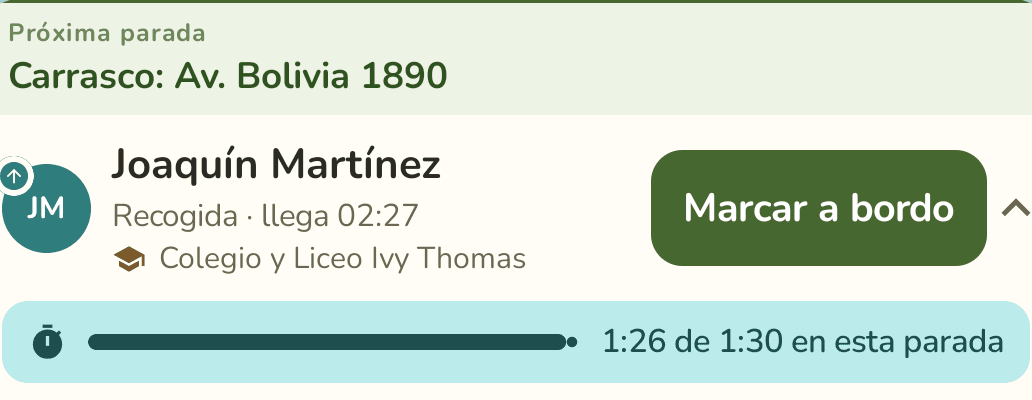
Lo que configuraste aparece en la pantalla del viaje en curso, sobre la parada que estás atendiendo.
Cuánto llevás en la parada
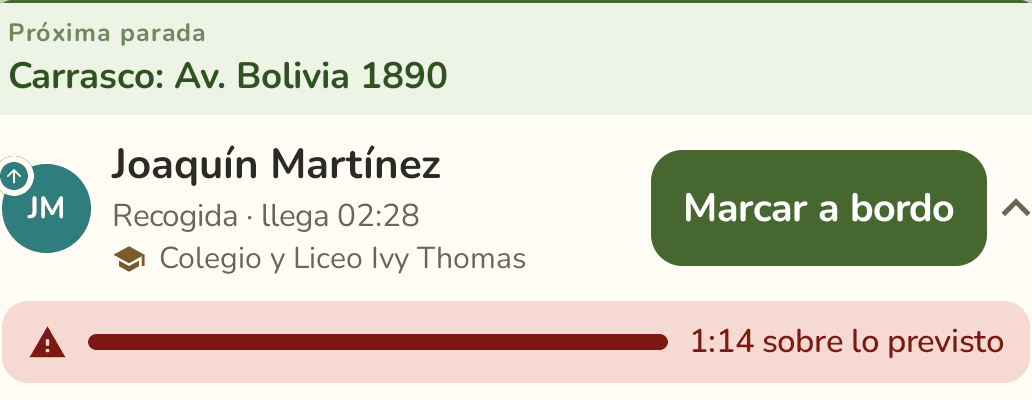
Si te pasás
Paradas con hora fija
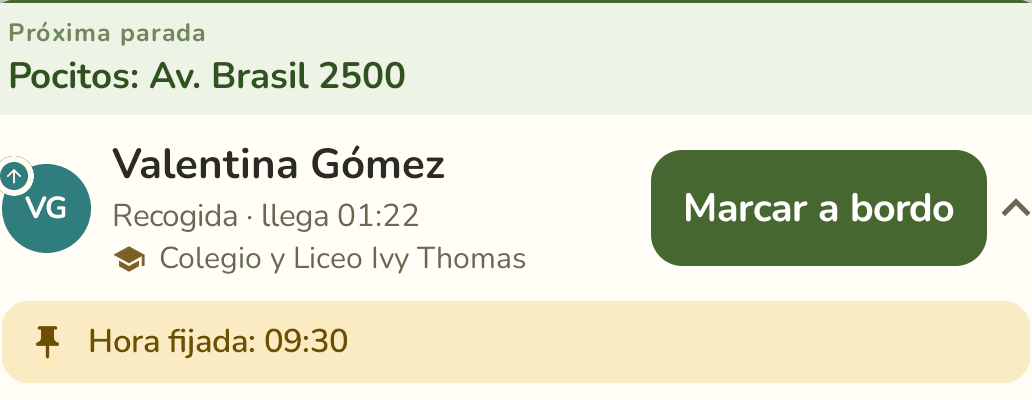
La hora que ven las familias durante el viaje es la llegada real de la camioneta, no la hora fija. Si llegás antes y esperás, van a ver la hora en que llegaste.
Un valor por defecto
Si casi todas tus paradas llevan el mismo tiempo, definilo una vez y no lo cargues parada por parada.
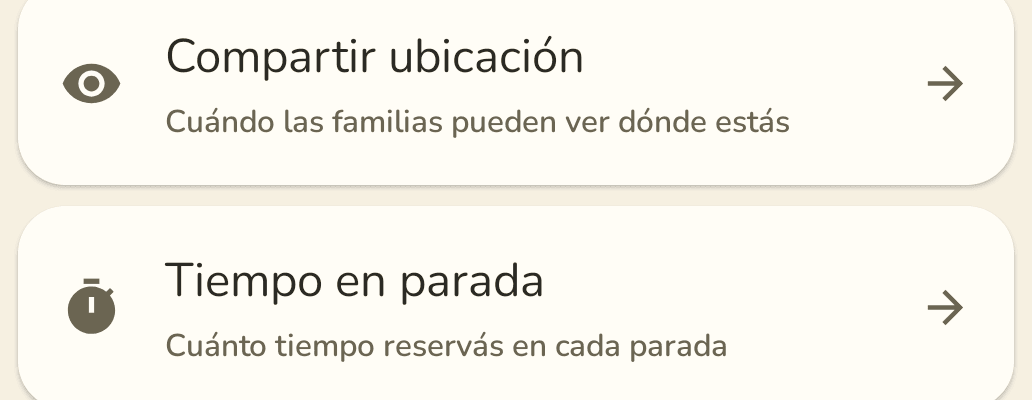
Entrá a Configuración
Elegí un tiempo para cada tipo
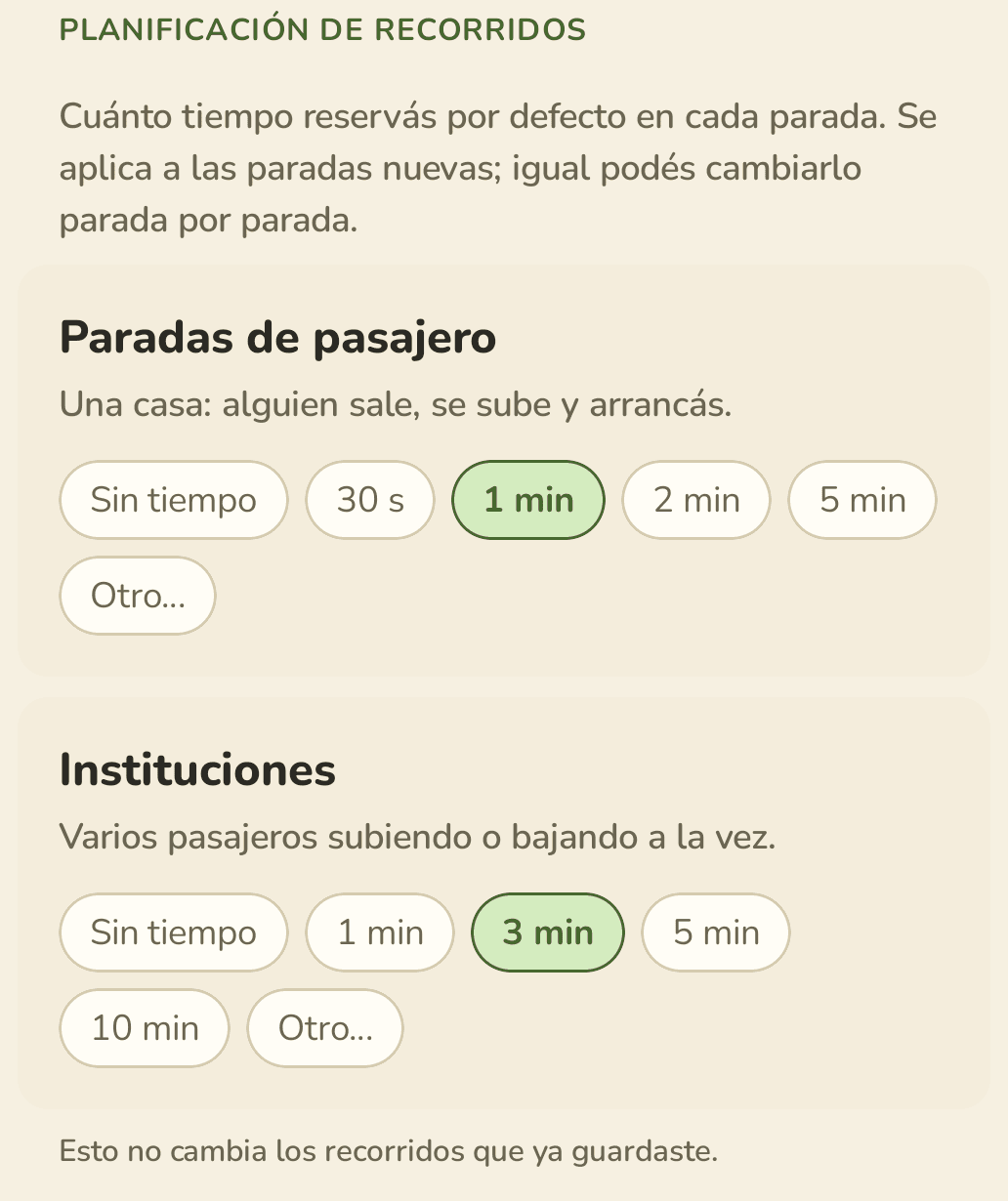
Esto no toca los recorridos que ya guardaste, y cualquier parada puede seguir teniendo su propio tiempo.